
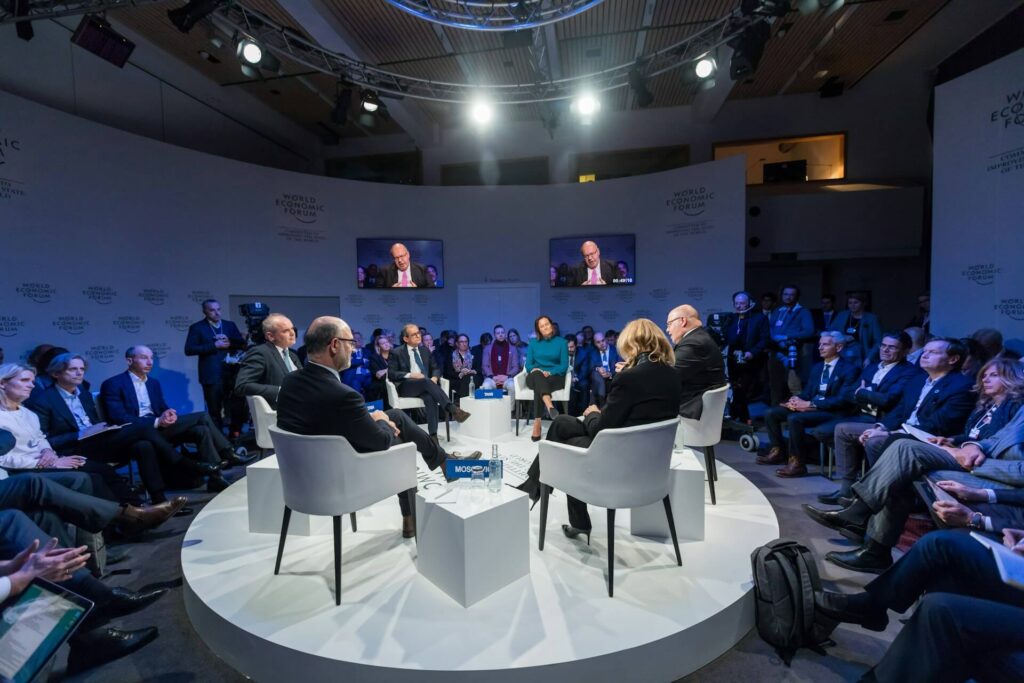
AI is quickly becoming part of the event communications toolkit.
AI for event communications means using artificial intelligence to help plan, promote, deliver and extend the life of an event. It can help you research topics, understand your audience, create content, improve accessibility, analyze discussions and produce post-event communications.
For busy communications teams, this is worth exploring. We are constantly asked to do more with less and produce more content across more channels, often with limited time and resources.
Yet, in some cases, this is leading to a sea of similar content, as many comms teams start to rely too much on AI for content creation.
So how can you use AI for your event communications without losing authenticity?
I recently joined Joanne Sweeney on the AI SIX Podcast to discuss how communications teams can use AI before, during and after events. We covered everything from chatbots and multilingual content to conference reporting.
One point kept coming up: You need to start with your communications objectives.
We agreed that AI can supercharge your work, but it shouldn’t replace your event communications strategy.
With this in mind, here is a helpful guide from the podcast discussion to help you use AI in your event communications, from start to finish.
How can AI help with event planning?
Years ago, when planning an event on climate finance, we were stuck: how do we differentiate our event? What is our Unique Sales Proposition (USP)?
For the first time, we were charging a delegate fee, so we had to do some in-depth research on competitive events and interview our stakeholders to find out how to position our conference so that it would be relevant and worthwhile.
These days, AI can help you research emerging topics in your sector, identify gaps covered by competing conferences and think through what makes your event different.
You can also use AI to look at your event through the eyes of different audiences.
A government official may have different reasons for attending than an NGO representative or sustainability director. Ask AI to identify those motivations, and you’ll have a useful starting point for adapting your messaging around what people will learn, who they’ll meet, and why they should attend. This will help you define an event USP customised to each of your target audiences.
There are more technical uses too.
Before announcing your event, AI research tools can help identify competing conferences, major industry events and possible date clashes. It can also help you find suitable venues based on your audience and criteria.
Once the date is fixed, ask AI to help create your project checklist, Gantt chart or Kanban board. You can also use it to prepare speaker briefing notes and develop a minute-by-minute Run of Show.
You’ll still need to take the time to go through it and personalise every input, but AI can create a reasonable first draft and then help you to gradually improve it.
How can you use AI for event marketing?
Events are well suited to advance content planning because you already have much of the raw material.
You know your speakers. You know the program. You know the themes and participating organizations.
Give that information to an AI tool and ask it to help you develop an event content calendar. Combined with scheduling tools such as Buffer or Mailchimp, you can prepare much of your social media and email content in advance.
This comes with a warning.
I once worked with an intern who sent me some proposed social media posts. They were polished and clearly written using AI. Yet something was missing: the posts didn’t have a call to action and weren’t written with a clear goal in mind. It was a useful reminder that producing content has become very easy, but producing useful content still requires thought and strategic input.
Before your event, your objective may be to attract registrations. Perhaps email will be better suited for this purpose, so it’s important that you take this into consideration instead of simply asking AI to do everything for you.
Start with the objective. Develop a strategy. Then use AI to help you get there.
Watch the full discussion with Joanne Sweeney (above) for the AI SIX Podcast on “AI and the Future of Event Comms”
How can AI help shape news ideas and conversation at your event?
For a recent conference with a multilateral organization, we sent participants a pre-event survey asking about their priorities and challenges.
We received plenty of qualitative feedback, and soon I realised that a simple word cloud wasn’t going to tell us enough.
So I used AI to analyze the responses and identify recurring themes. We then used Gemini Notebook to turn those findings into a short video that we showed on the first morning of the conference.
It was a great conversation starter!
While we clearly told participants the video was AI-generated, it helped showcase the main issues from the survey. AI did simplify some complex points for brevity, so we used this to launch broader discussions and to spark new ideas on the first day of the conference.
That was the key lesson: AI can help you find patterns across hundreds of responses, but then your job as event organiser is to dive further into those concepts to make it real, interactive and engaging for all participants.
Can AI improve the participant experience?
Anyone who has organized a conference knows how many logistical questions come up.
“Where is the next session? What’s the Wi-Fi password? Has the program changed?”
This is where event chatbots can help.
One example is the Women in Aviation International Conference. Its “Skye” chatbot was used to field event questions, handling 8,097 attendee questions with a reported 96 percent correct response rate. According to the case study, this saved an estimated 1,700 hours of staff time.
A chatbot could answer practical questions, send session reminders, communicate last-minute program changes and collect feedback.
Of course, for a smaller event, you may not need one. For one client conference, I created a simple event website using a Canva template. It included the full program, FAQs, report downloads and practical information on one page so participants always knew where to look.
In this case, we used AI only for the FAQs, and it was a simple solution that worked perfectly well.
How can AI make events more accessible?
AI can help communications teams make event content available to more people.
Live captions and notes are already included in Zoom Notetaker and many webinar platforms. Tools such as ElevenLabs can help create multilingual audio, while AI can also assist with translations of event summaries.
I’ve spoken with an EU official who was experimenting with ElevenLabs to create versions of the same podcast in several languages.
For international organizations, this opens up interesting possibilities.
An English-language panel discussion can become a summary, interview or podcast for audiences speaking other languages. This gives you another way to extend the reach of an event beyond the people who attended.
Of course, translations still need human review, particularly when the subject is technical or politically sensitive.
How can AI speed up post-event reporting?
This may be where AI can save communications teams the most time.
When a conference ends, we’re usually left with an enormous amount of material: recordings, presentations, photographs, audience questions, interviews and hours of discussion. Much of it ends up sitting in a folder after the event.
AI-powered transcription changes this.
For a multilateral organization, I used AI-powered Zoom transcriptions and session summaries as the starting point for conference reporting. Session leaders could review and correct the summaries before we developed the final outputs.
For the meetups I organize, I use Fireflies to transcribe our discussions. It even works reasonably well in a noisy room. I can then use those transcripts to help prepare social posts, videos and blog summaries.
You could take this further by planning your reporting workflow before the conference starts:
- Prepare your branded post-event report template in advance.
- Decide which sessions will feed into it.
- Upload the AI event summary and assign someone to review quotes and conclusions.
- Send participants a concise summary at the end of each day, while the discussions are still fresh.
A clear, reviewed, and approved system like this one is essential to ensure accuracy and maintain brand voice.
You need to be careful, because a summary that misattributes a comment or turns a nuanced discussion into a neat conclusion can cause major problems. For source-based work, Gemini Notebook is especially useful because you can restrict its responses solely in the material you provide.
Privacy and consent matter too. Participants should know when conversations are being transcribed. For events under Chatham House Rules, make sure identifiable comments don’t appear in your external communications.
How can AI extend the life of your event content?
A good conference can provide months of useful communications material. Transcripts, recordings, audience questions, surveys and presentations can become:
- Post-event blogs
- Case studies
- Short social videos
- Reports on specific issues or trends
- Content adapted for different audiences
- Multilingual summaries and podcasts
Video is a good example.
Few people are going to watch a two-hour conference recording after the event. Tools such as OpusClip can help identify shorter moments from long presentations that could work on social media.
You still need to select the right clips and edit the captions. Yet instead of asking a communications officer to watch hours of footage, you can start with a shortlist.
Those clips can then be embedded into related blog posts or shared over the following months.
Once again, having a strategic viewpoint is essential. How can you go beyond the standard conference summary? Which discussion will still be relevant six months from now? What did participants say that would be useful to someone who couldn’t attend?
This is where AI can help improve the return on investment from an event. The ideas generated in a room of 200 people can continue reaching new audiences long after everyone has gone home.
Pro tip: Start small
For your next event, my recommendation is to identify a repetitive task that takes up a disproportionate amount of your team’s time.
It could be analyzing a participant survey. Perhaps it’s preparing social media content, transcribing sessions or producing the final conference report.
Try using AI for that one task. Check the results carefully. See how much time it saves and whether the final output is actually better.
Then build from there.
We may soon see AI event assistants that support much of the process, from early planning through to post-event communications. Given how quickly the technology is moving, communications teams will need to keep experimenting.
The tools will change, yet the strategic questions are still the same: Who are we trying to reach? What do we want them to understand? What do we want them to do next?
Keep those questions at the center, and AI becomes much more useful to support your overall strategy.
The key message here is simple: AI can help us get more from our events, but ultimately, we need to decide what matters.
If you want to make sure that your next event successfully reaches your goals and exceeds your engagement targets, find out more about my Event Blueprint services.
Cover photo by Evangeline Shaw on Unsplash
- Written by: Nicholas Bruneau
- Posted on: August 31, 2026
- Tags: AI, Event Communications
